Chat with an agent
Every agent has its own chat. Use it when you know who should do the job, or to work with one agent over a longer task.
How do I open an agent's chat?
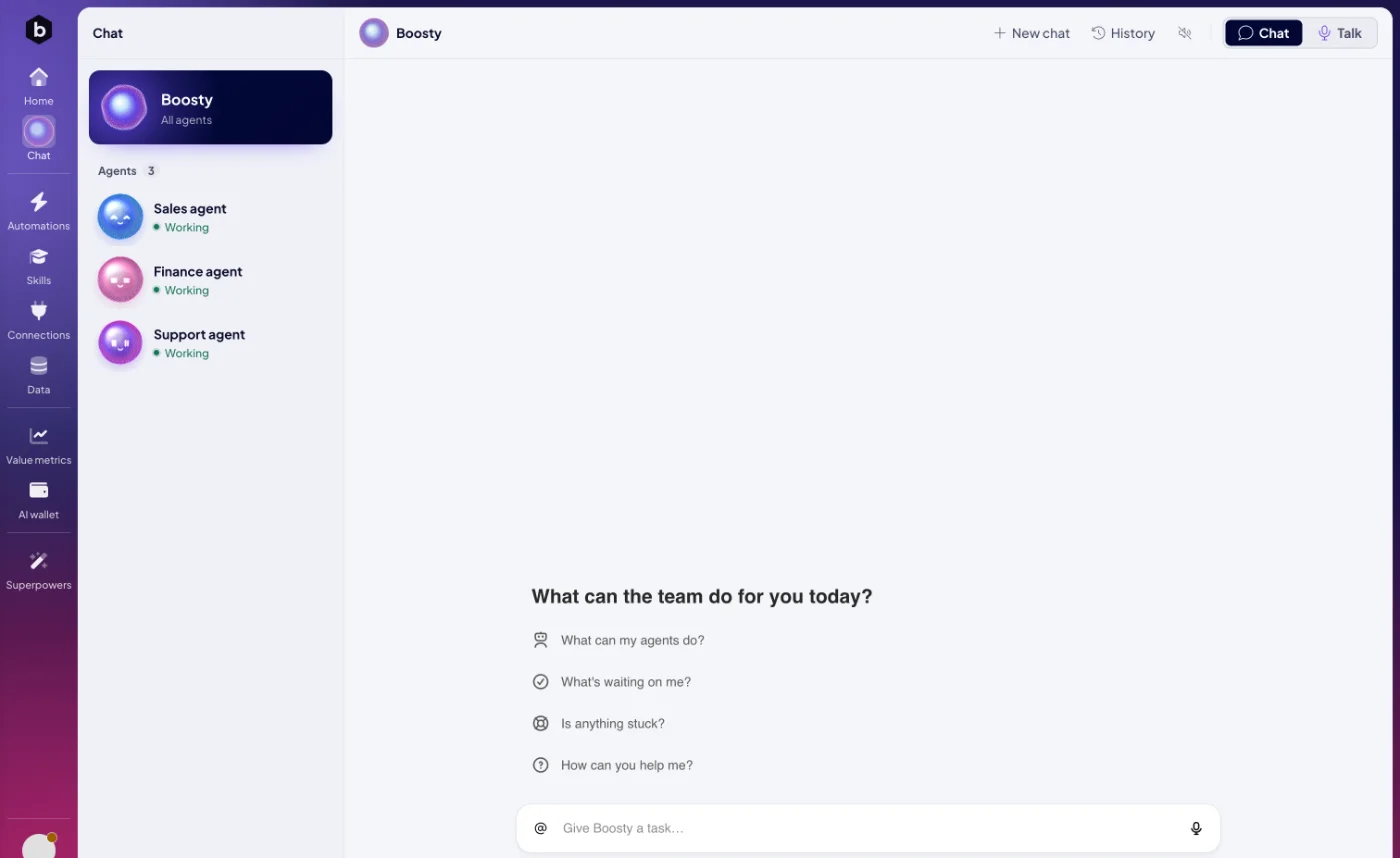
- Open Chat in the left rail and pick the agent under Agents.
- On Home, click the speech bubble on the agent's card.
- On the agent's page, click Message.
Write into Give <name> a task… at the bottom. An empty chat suggests a start, such as "What could you take off my plate?" or "Learn a new skill".
Can I share images with an agent?
Yes. Attach PNG, JPEG, GIF or WebP images, up to 10 in one message and about 7 MB in total. The agent reads them, for example a screenshot of an error or a photo of a receipt.
How does an agent give me files?
Files an agent makes, such as a spreadsheet or a report, appear in the chat as downloads.
How do I point an agent at something specific?
Type @ and choose what you mean: an agent, a skill, an automation, a module or a space. The agent then knows exactly which one you are talking about.
Who sees my conversations?
Your chats with Boosty are your own. History in an agent's chat lists every conversation with that agent. The agent works with the access an admin gave it in Connections and security, whoever is chatting.
What do the buttons in the chat header do?
| Button | What it does |
|---|---|
| New chat | Starts a clean conversation. |
| History | Reopens an earlier conversation. |
| Read replies aloud | Reads the agent's answers out loud. |
| Chat / Talk | Switches between typing and a voice conversation. See Talk instead of typing. |
Next: Talk instead of typing, or Skills to see what the agent can do.
