Build on your AgentOS data
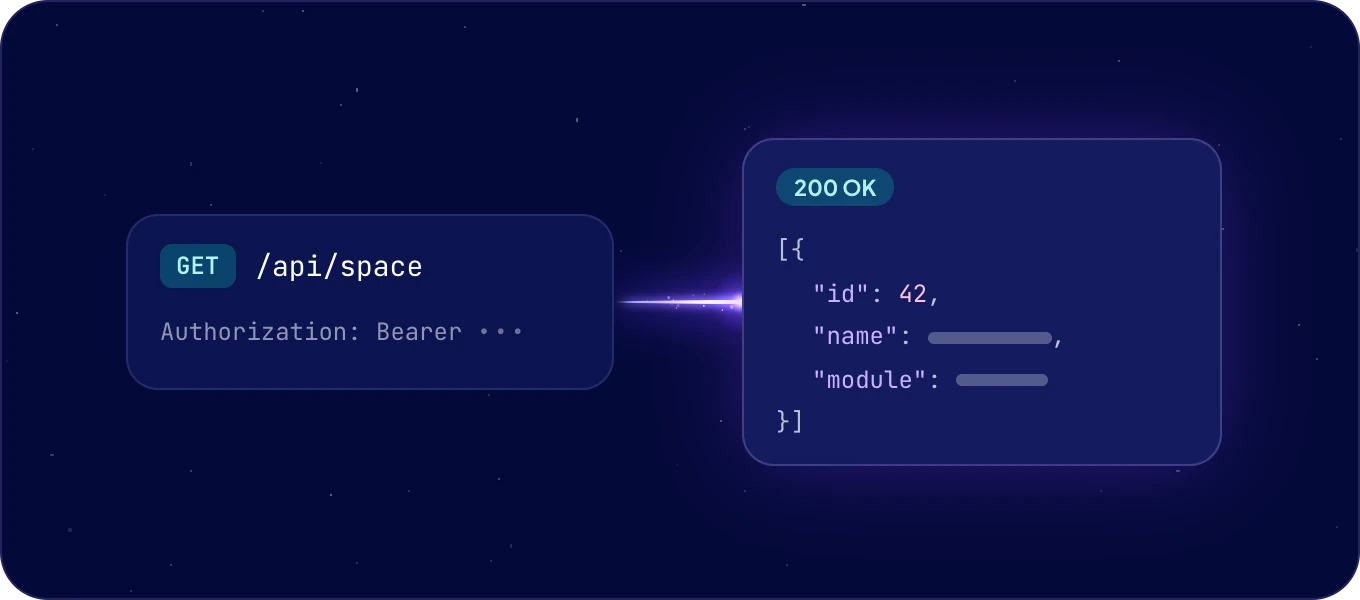
The REST API gives your code the same data your agents and your team work on: modules, spaces, records and fields. Every system has its own address, and every request carries a token.
Which way in fits my work?
| Use | When |
|---|---|
| REST API | Your code calls AgentOS directly, in any language. |
| SDK | You write TypeScript or Python and want typed models, retries and pagination done for you. |
| Connect AI (MCP) | Your AI tool does the work and decides the next step itself. |
All three reach the same data, with the same permissions.
How do I make my first request?
- Create an API token: click your avatar, then API & MCP tokens > New API/MCP token > API Token. See API and MCP tokens.
- Call the API with the token:
curl https://<system name>.boost.space/api/space \
  -H "Authorization: Bearer $BOOST_SPACE_TOKEN"
<system name> is the name in your AgentOS address. The answer lists the spaces of your system
as JSON.
How does the API work?
- Base URL:
https://<system name>.boost.space/api. -
Authentication: a Bearer token in the
Authorizationheader. A token can do at most what its permissions allow. -
Filtering:
filter=field operator value. Join conditions with;or&for AND, and|for OR. -
Pagination:
offsetandlimit. TheX-BoostSpace-TotalRecordsheader holds the number of records that match, andX-BoostSpace-FoundRecordsthe number in this answer. - Ordering:
order=field;ASCororder=field;DESC. - Version: the
X-Versionheader of every answer names the version your system runs.
Where is every endpoint described?
In the API reference: every public endpoint, with its parameters, schemas and code samples you can copy.
Is there an SDK?
Yes, for TypeScript and Python, generated from the same API:
npm install @boost-space/sdk    # TypeScript
pip install boostspace-sdk      # Python
The SDK guides are in the Boost.space SDK documentation.
Can another app start an automation?
Yes, with a webhook: a POST to the automation's own address. See
Triggers and webhooks.
Next: the API reference, or API and MCP tokens.
