Skills
A skill is written know-how an agent follows, such as how to enrich a product or how to triage a support ticket. What one agent learns, the whole team can use: share a skill across agents, pick more from a curated library, and adapt them to your business.
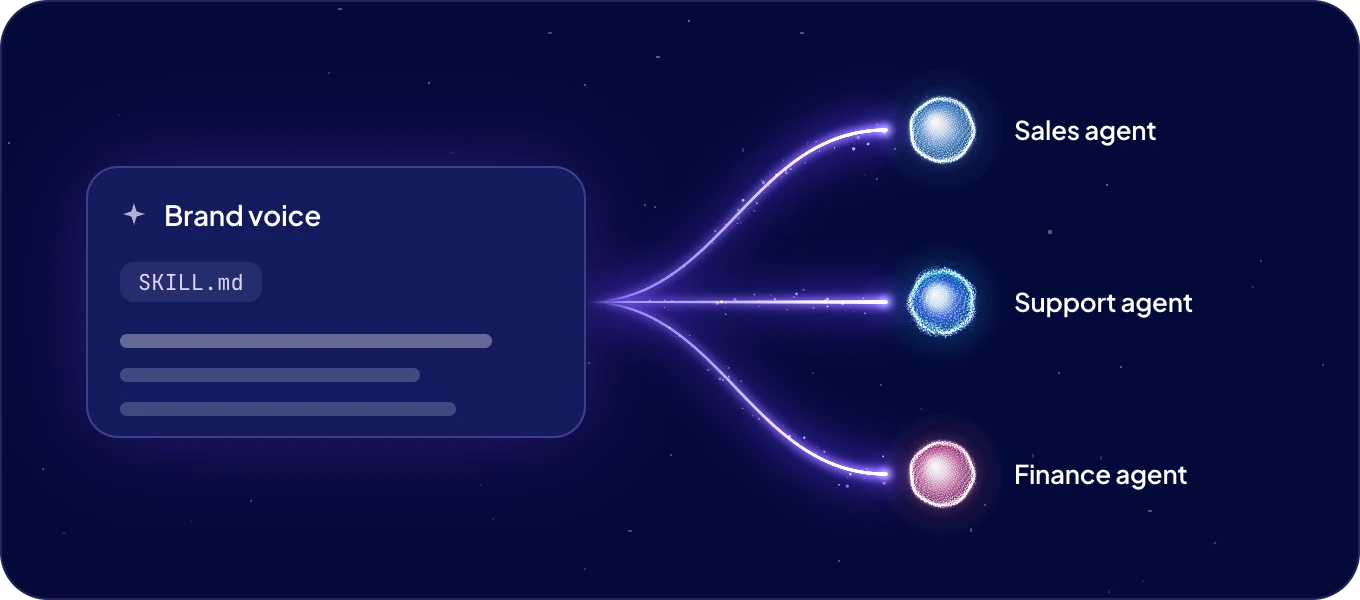
Where do skills come from?
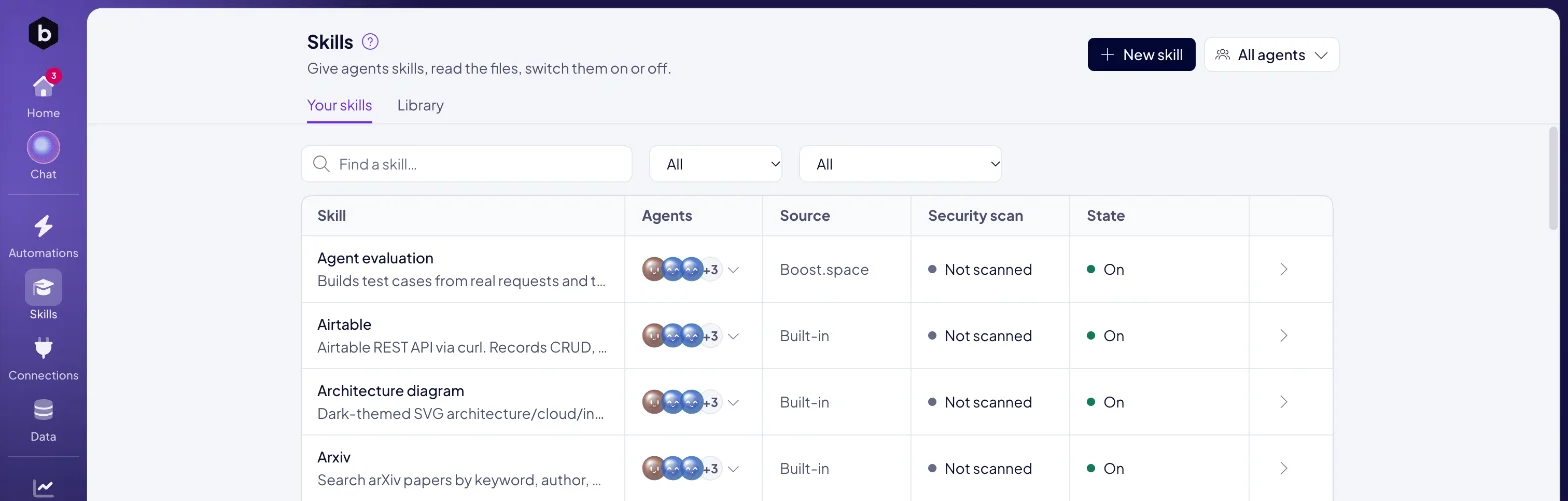
Skills in the left rail lists every skill your agents have. The Source column says where each one comes from:
| Source | What it is |
|---|---|
| Boost.space | Released by Boost.space, kept up to date and given to every agent. |
| Built-in | Comes with the agent itself. |
| Yours | Written by you or by one of your agents. |
Agents also write skills on their own. When an agent works out how to do something well, it saves the steps as a skill and improves them the next time.
On Your skills, the Security scan column shows the result of each skill's scan for hidden or unsafe instructions, and State shows whether it is on. The Library tab lists the Boost.space skills.
How do I add a skill?
Click New skill and choose one of two ways:
- Ask an agent to write it. Describe the skill, pick Who writes it, and click Ask <agent> to write it. The request goes to that agent's chat, and the agent writes the skill for you.
- Bring a SKILL.md. Upload or drop a skill file you already have, check the Skill name, and add it to the agents you choose.
How do I give a skill to an agent, or take it away?
Open the skill. Assigned to lists the agents that use it. Switch an agent on or off there. Switching one off asks you to confirm, and the agent stops using the skill.
To see the skills of one agent, open the agent's page and click the Skills tile, or use the All agents filter on the skills list.
Can I read and edit a skill?
Every skill shows The skill, as the agent reads it. Skills you or your agents wrote have an Edit button. Boost.space keeps its own skills up to date, and you switch them off per agent if an agent does not need one.
How do Boost.space skills stay current?
Boost.space releases new versions of its skills. When one is waiting, the skill shows New version tonight.
Next: Connections and security to decide what each agent may reach, or Chat with an agent and ask it to "Learn a new skill".
