Your data layer
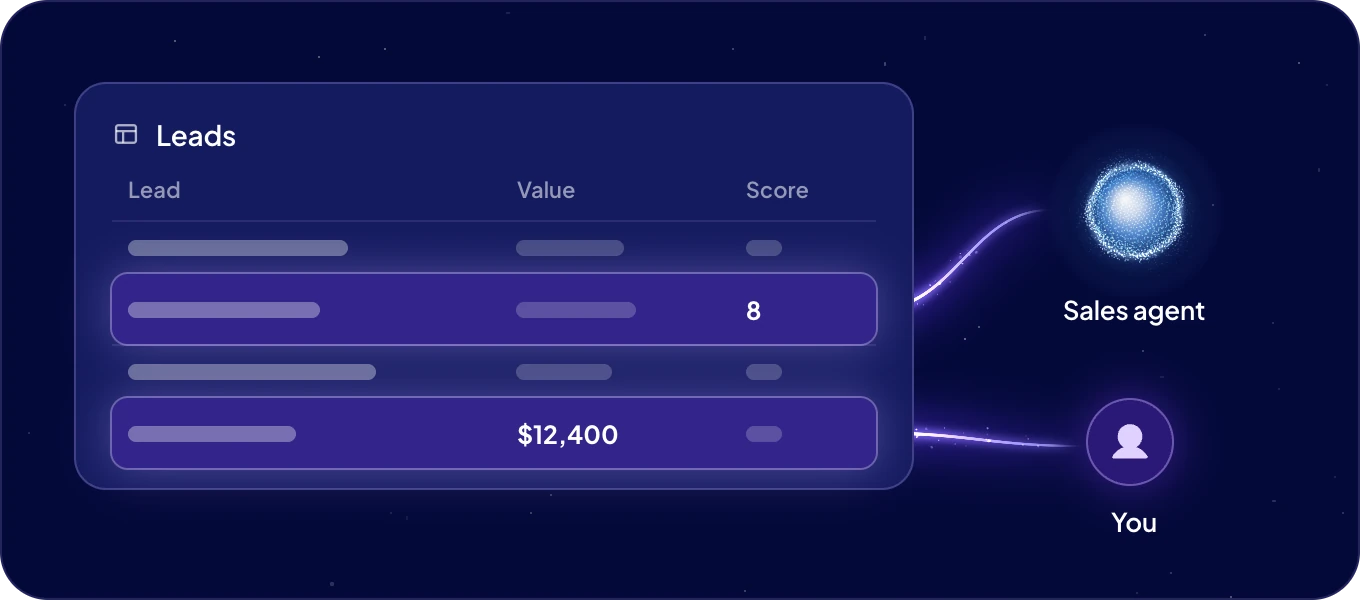
Data in the left rail is your company's shared data. People and agents work on the same records, and every agent sees only the modules you allow. When an agent fills in a product description or updates a deal, your team sees the change in the same table.
How is my data organized?
| Part | What it is | Example |
|---|---|---|
| Module | One kind of data, shown as a table. | Products |
| Space | A group of records inside a module. | Summer collection |
| Record | One row of data. | One product |
| Field | One piece of information on a record. | Price |
| Status and Labels | Where a record stands, and tags to sort it by. | In stock, Bestseller |
| Segment | A saved filter of records. | Products without a price |
Give each kind of data its own module, and use spaces for variations of it. Products and suppliers are two modules. Five product ranges are five spaces in one module.
Where do I find my data?
Click Data in the left rail. It opens your first module, showing the records of all its spaces. With more than one module, the module name at the top switches between them. Under it, the spaces bar shows All spaces and each space. When you use segments, the Spaces switch at the start of the bar changes it to Segments.
Click a record to open it. On a wide screen, the split-view button in the toolbar opens the record beside the table, so you keep the overview while you work.
What can agents see?
Each agent sees only the modules you allow, with the access you choose: No access, Read or Read & write. You set it per agent in Connections and security, and you can change it at any time. An agent works with its own access, whoever is talking to it.
Who sets up the data?
Admins create modules, fields, statuses and labels. Everyone works with the records. With no module yet, Data shows Create your first module to admins. See Modules and fields.
Next: Work with records, or Import and export to bring your data in.
