Quickstart
Four steps from your first sign-in to an agent at work on your data.
No system yet? Turn your license into your own system first. See Set up your system.
Sign in
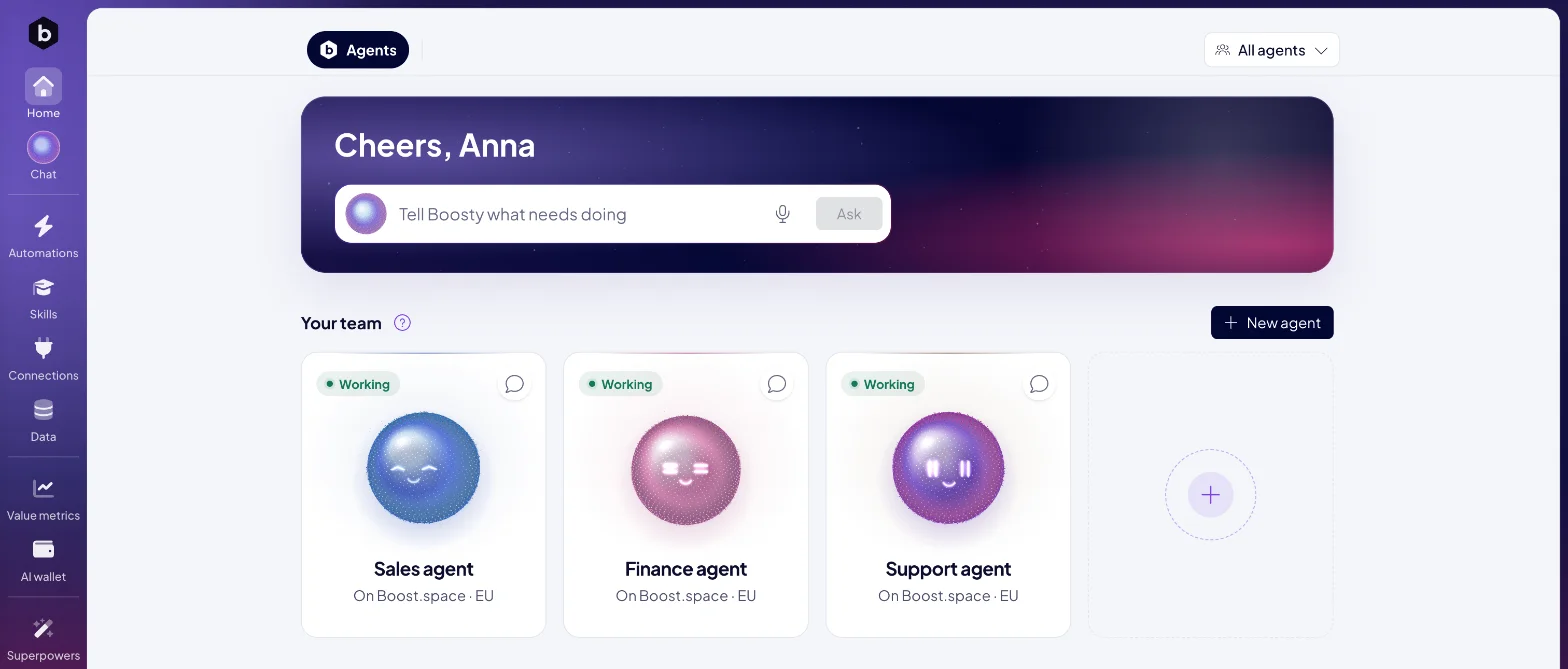
Open your address, https://<system name>.boost.space, and sign in. Home opens. Until your
first agent joins, it shows New agent. Then it shows your team and
Tell Boosty what needs doing.
Bring in your data
Agents work on the data in your workspace, so give them something to work on.
- Click Data in the left rail, then Create your first module.
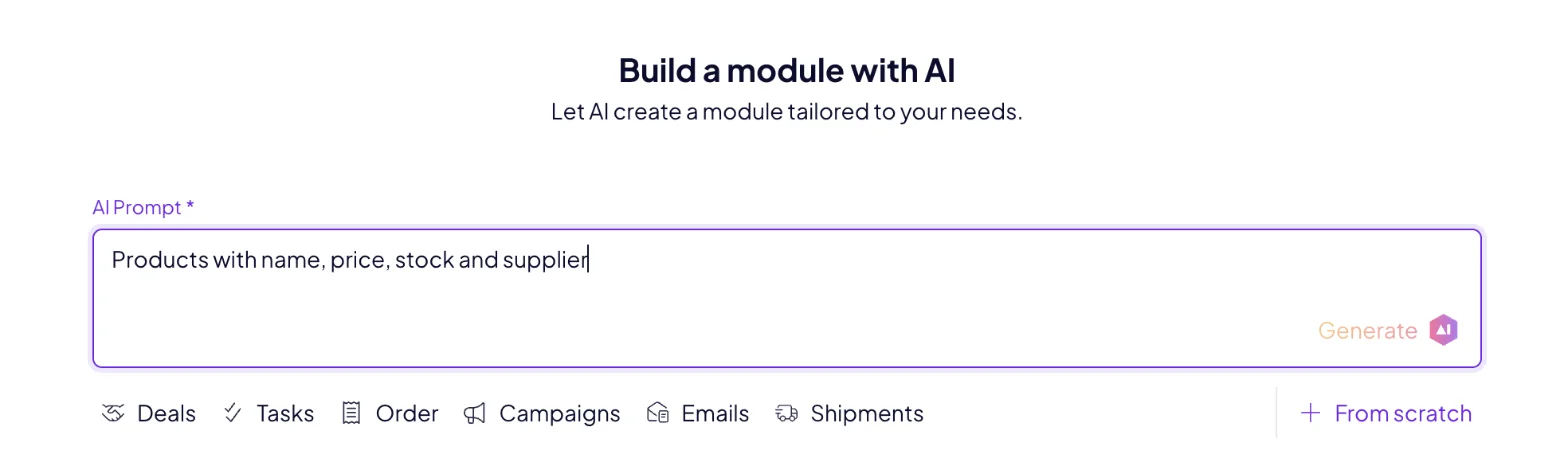
- Describe what the module holds, for example "Products with name, price, stock and supplier". Click Generate.
- Set the module's name and icon and click Continue. Check the fields, then click Create space.
- Drop a
.csv,.xlsxor.xmlfile onto the table. AI maps its columns to your fields. Click Start import.
Add your first agent
- On Home, click New agent.
- The first time, choose Boost.space cloud under Where should it run? and click Start it. Your instance starts in the EU in about two minutes.
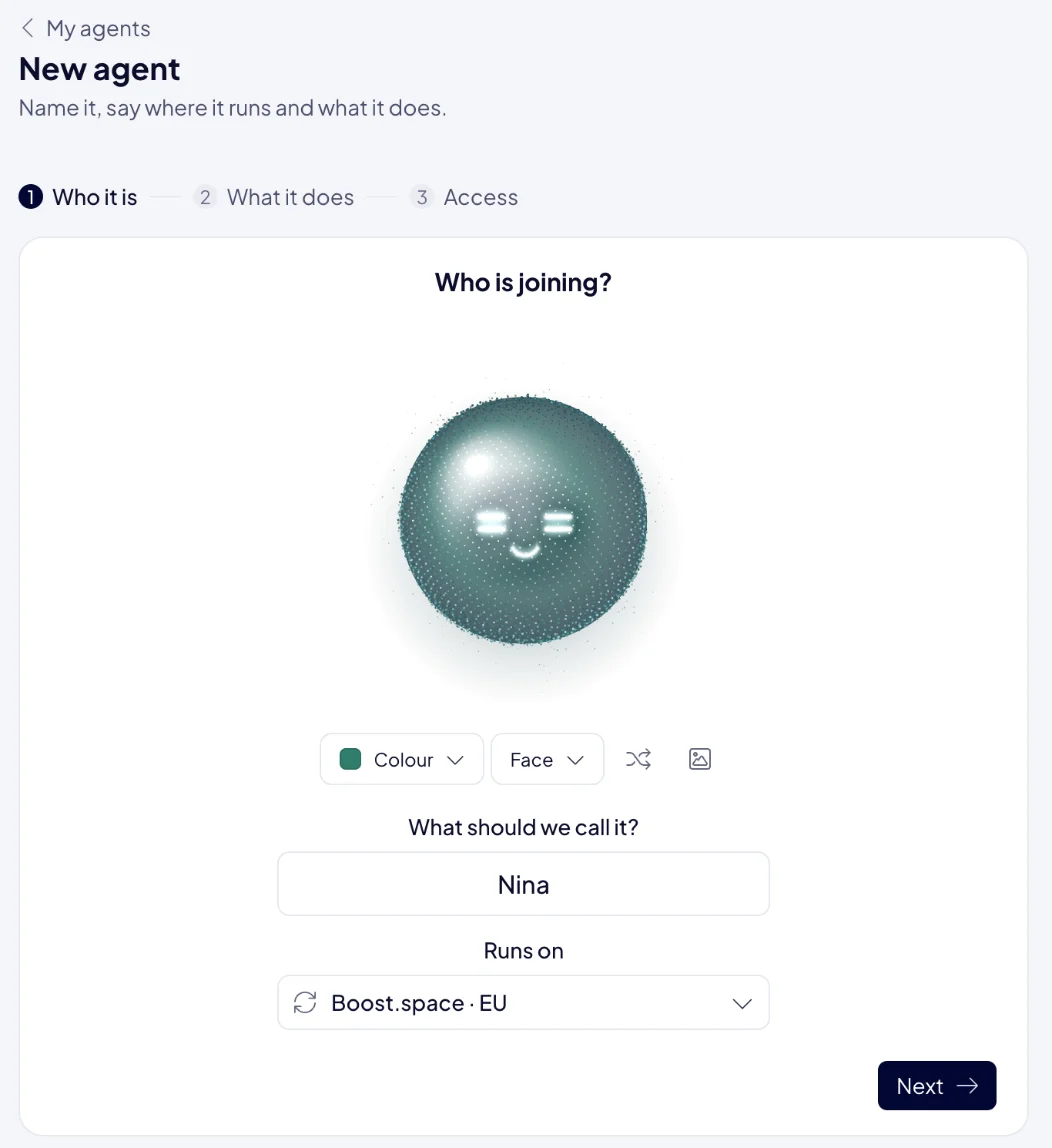
- Pick a color and a face, and give the agent a name. Click Next.
- Describe its job in a few sentences, for example "Keep our product catalog complete: fill in missing descriptions and flag products without a price." Click Create the agent.
- Choose Read or Read & write for each module it needs, and click Give them this access.
The agent's card on Home shows Working when it is ready. See Add an agent for every option.
Give it a job
Type the job into Tell Boosty what needs doing and click Ask. For example: "Find the products without a price and list them for me."
Boosty hands the job to your agent, and the answer arrives in Chat. When the agent needs a decision from you, it asks in the same chat. Reply, and it carries on.
