Triggers and webhooks
A trigger decides when an automation runs. You set it the same way you build the automation: say it in the chat, and the agent turns "every weekday at 7:00 Prague time" or "when a lead is created" into the right trigger.
What can start an automation?
| Trigger | Runs when |
|---|---|
| At scheduled time | At set times: every few minutes, hours, days, weeks or months, or once. Each schedule has its own time zone. |
| Record created | A record is added to a module. |
| Record updated | A record changes, or one chosen field of it. |
| Record deleted | A record is removed. |
| Incoming webhook | Another app sends data to the automation's address. |
An automation can have more than one trigger, and it runs whenever any of them fires.
How does another app start an automation?
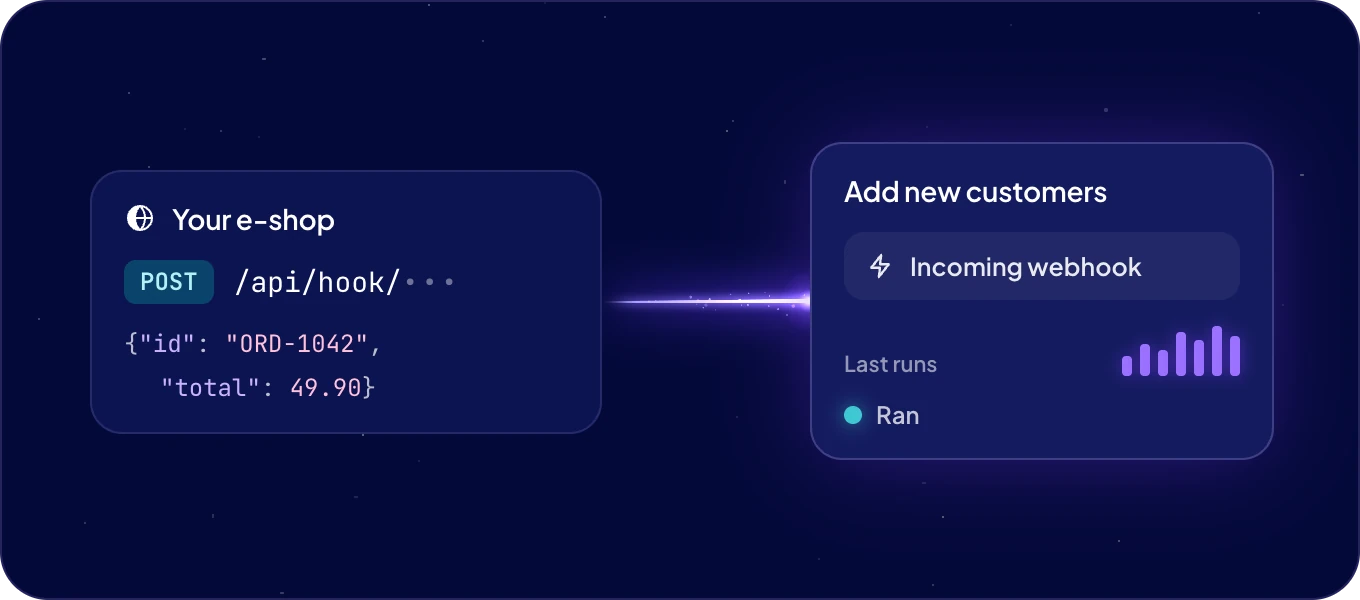
With a webhook. Ask the agent: "Start this automation when our e-shop sends a new order." The agent sets up the webhook and gives you its address:
https://<system name>.boost.space/api/hook/<token>
Give that address to the other app. It sends a POST with a JSON body:
curl -X POST "https://<system name>.boost.space/api/hook/<token>" \
  -H "Content-Type: application/json" \
  -d '{"id": "ORD-1042", "total": 49.90}'
AgentOS answers at once with {"code": 200, "status": "accepted", "deliveryId": 1234} and runs
the automation. The result goes to
the automation's runs, not back to the caller.
- The automation's code finds the body in
input["body"]. - A body can be up to 1 MB.
-
Each webhook holds up to five deliveries that have not finished yet. Beyond that, the caller
gets
429and should try again after 60 seconds.
Treat the address like a password. The token in the address is what lets a caller in, so anyone who has the address can start the automation. Share it only with the app that needs it.
Can I start an automation by hand?
Yes. Ask in Chat: "Run the lead scoring now and show me the result."
