Channels
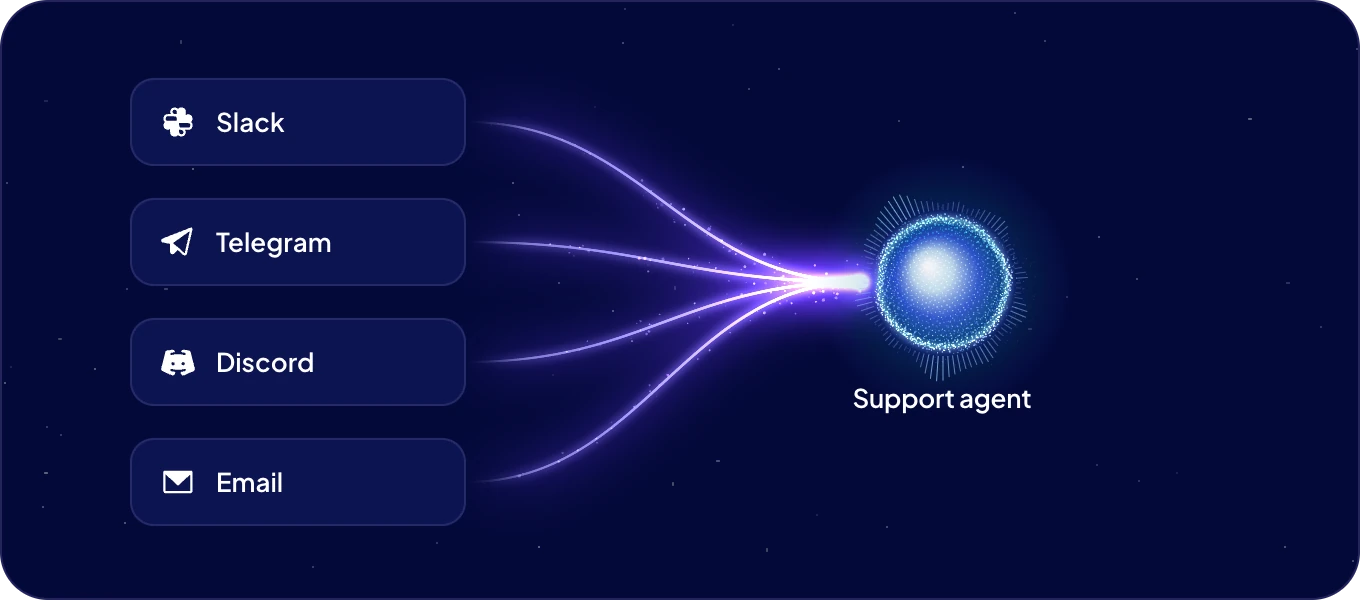
A channel lets people reach an agent outside AgentOS, in the messaging apps they already use: Slack, Telegram, Discord, email and more. The agent answers there with the same skills and the same access it has everywhere else.
Which messaging apps can I connect?
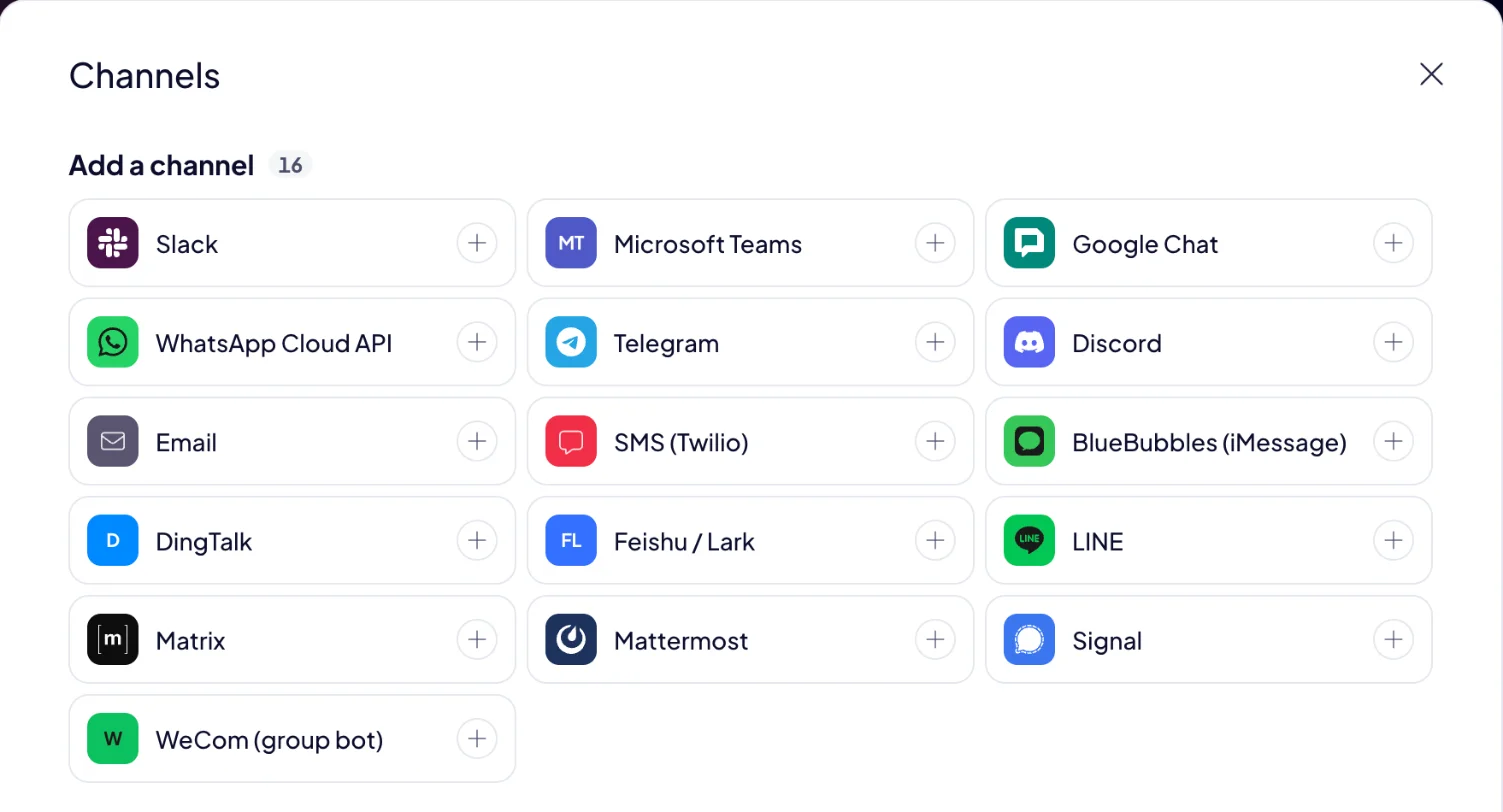
The Channels dialog lists sixteen: Slack, Microsoft Teams, Google Chat, WhatsApp Cloud API, Telegram, Discord, Email, SMS (Twilio), BlueBubbles (iMessage), DingTalk, Feishu / Lark, LINE, Matrix, Mattermost, Signal and WeCom (group bot).
How do I connect a channel?
- Open the agent's page and click Add a channel.
- Pick the app and fill in the fields marked *. Each app asks for what it needs: a bot token for Telegram or Discord, a phone number ID and an access token for WhatsApp Cloud API, and so on. For Slack, a link opens a Slack app already filled in for you.
- Fill in Who can message the agent.
- Click Connect. The channel shows Waiting for restart.
- Click Restart gateway, then Restart to confirm. The gateway is the part of the agent that talks to its channels, and it picks up a new channel when it restarts.
- Click Check status. The channel shows Connected.
Pick a quiet moment for the restart. The agent starts fresh chat sessions in all its channels after a restart, so restart when nobody is in the middle of a conversation.
Who can message my agent?
Only the people you list in Who can message the agent. A channel with an empty list accepts nobody, so the agent never answers a stranger who finds it.
How do I change or switch off a channel?
Open the agent's page and click the channel. Change the settings and click Save, or turn Enable this platform off. Restart the gateway to apply the change.
What does a channel's state mean?
| State | What it means |
|---|---|
| Connected | The agent answers in this app. |
| Waiting for restart | The settings are saved. Restart the gateway to apply them. |
| Configured | The settings are complete. Restart the gateway, and the agent answers there. |
| Not configured | Some required fields are still empty. |
| Disabled | The channel is switched off. |
| Error | The channel can't connect, or lost its connection. Check the token and the settings. |
Channels are set up by admins.
Next: Talk to Boosty from inside AgentOS, or Skills to teach the agent more.
