How AgentOS works
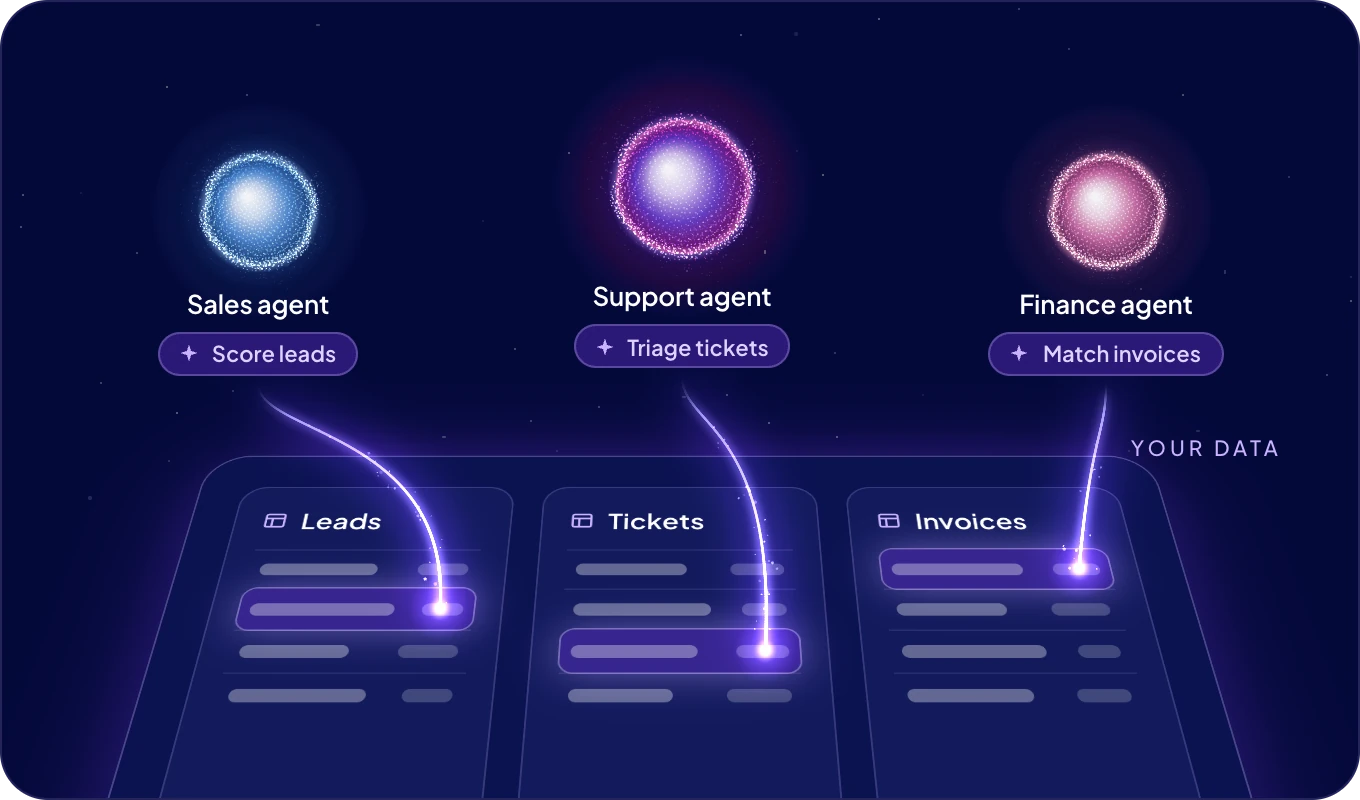
AgentOS gives your AI agents what they need to work as one team inside your company: your data, shared skills, connected apps, AI models on demand, and a clear view of what they do.
What happens when I ask for something?
- You tell Boosty what needs doing, by text or by voice.
- Boosty hands the job to the agent whose role fits it.
- The agent does the work with its skills, on your data, in your apps, with the AI models it needs.
- The answer comes back to your chat. When the agent needs a decision, it asks you there.
The building blocks
| Block | What it is | Read more |
|---|---|---|
| Agent | A specialized AI worker with one job, such as following up on leads. It takes no seat on your plan. | Your AI team |
| Instance | The server an agent runs on. Boost.space cloud runs it in the EU, or you use your own server. | Settings |
| Boosty | The assistant that hands work to your agents and brings the results back. | Talk to Boosty |
| Skill | Know-how an agent follows. Share it with every agent. | Skills |
| Data layer | Your company data in modules, records and fields, shared by people and agents. | Data layer |
| Connection | An app or account an agent may use, and what it may read or change. | Connections |
| Channel | A messaging app, such as Slack or email, where people reach an agent. | Channels |
| AI wallet | One balance for every AI model and data source your agents use. | AI wallet |
| Agent automation | A job an agent runs on its own schedule. | Agent automations |
| ACT automation | An automation your agents build in chat and run at scale. | ACT automations |
| Value metrics | The time your agents save and what it is worth. | Value metrics |
| Superpower | A complete solution our team sets up with you, for one goal. | Superpowers |
Who decides what an agent may do?
You. For each agent and each module you choose No access, Read or Read & write, and which apps it may use. Before an ACT automation calls another service or goes live, the agent shows you what it is about to do and waits for your yes. See Connections and security.
Next: the Quickstart, from your first sign-in to your first agent at work.
